Using the Inspect Link to Check Float
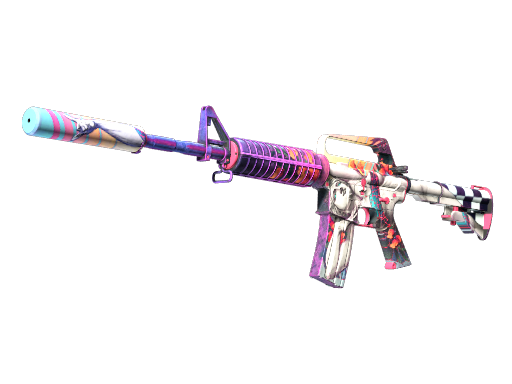
What float value is
Float is a hidden number between 0 and 1 that records how worn a skin looks. Lower numbers mean a cleaner finish; higher numbers mean more scratches and fading. It is set when the item is created and never changes.
The float decides which wear category a skin falls into and influences its price within that category.
How float maps to wear
Steam groups floats into five wear names: Factory New, Minimal Wear, Field-Tested, Well-Worn, and Battle-Scarred, in rising order of wear. The exact boundaries are fixed ranges, so two Field-Tested skins can look different depending on where in the range they sit.
Checking the precise float tells you whether a skin is near the clean or worn end of its label.
Using the inspect link in game
In your inventory or on a listing, the Inspect option opens a detailed 3D model of that exact item in the CS2 client. This lets you rotate the skin and see the real finish, stickers, and any nameplate before committing.
Every individual item has its own inspect link, so what you see is that specific copy, not a stock image.
Third-party float checkers
Because the inspect link identifies a unique item, third-party float-checking tools can read it and display the exact float and paint seed. This is how buyers confirm a low float or hunt for a specific pattern.
Use these tools to verify a seller's claim rather than taking the wear label at face value.
Frequently Asked Questions
What is a float value?
A number from 0 to 1 that represents how worn a skin looks. It is fixed at creation, decides the wear category, and affects price within that category.
How do I open an inspect link?
Click the Inspect option on an inventory item or market listing. It launches a 3D view of that exact skin inside CS2 so you can see the real finish.
Can I see the exact float before buying?
Yes. Third-party float checkers read the inspect link and show the precise float and paint seed, which the wear label alone does not reveal.
Does float change over time?
No. The float is assigned when the item is created and stays the same no matter how much the weapon is used in game.
Why do two skins with the same wear look different?
Each wear name covers a range of float values. A skin at the low end of Field-Tested looks cleaner than one at the high end, even though both share the label.